Prepared ahead, not run live.
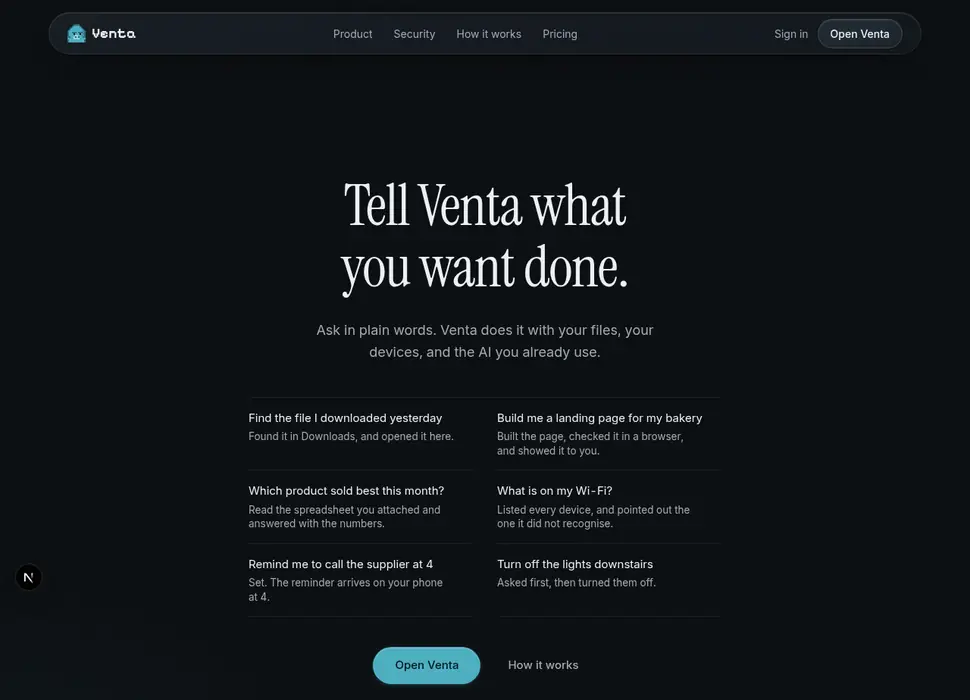
Tell Venta what you want done.
Ask in plain words. Venta does it with your files, your devices, and the AI you already use.
Open Venta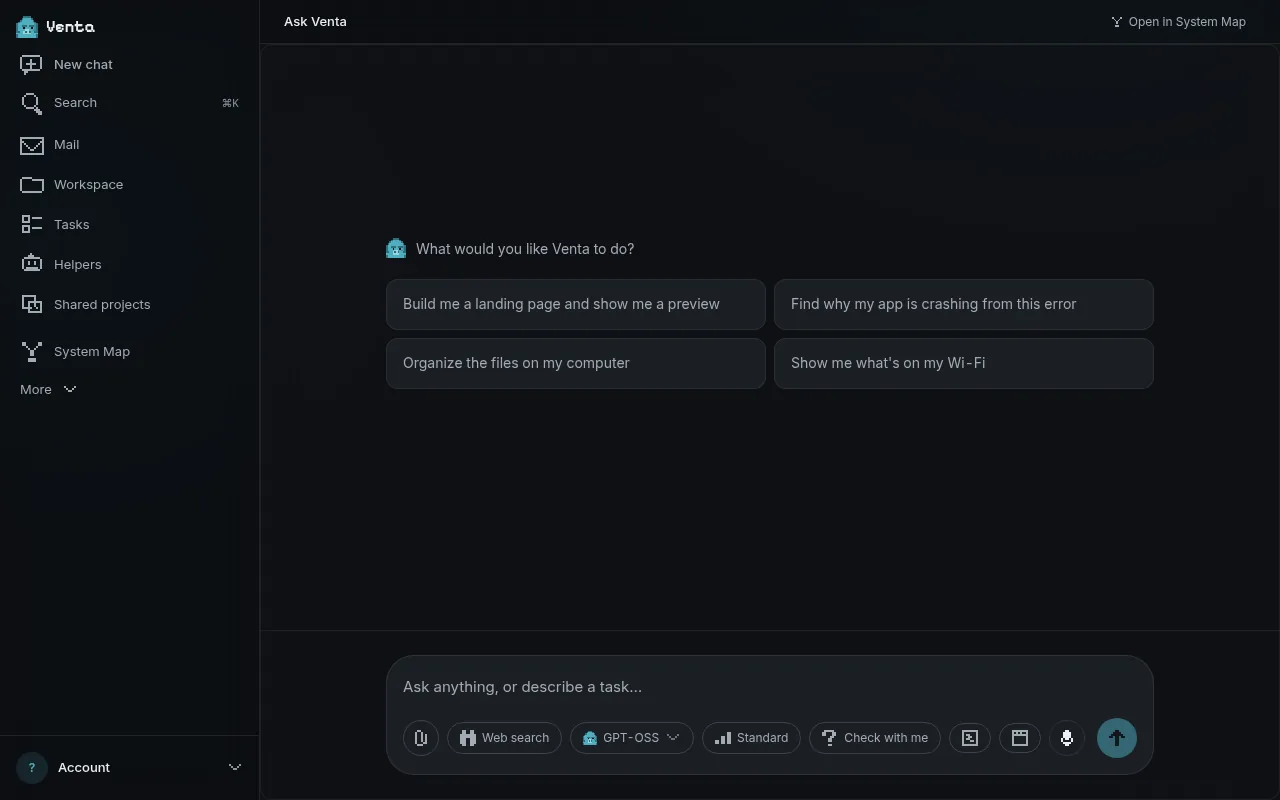
- Find the file I downloaded yesterdayFound it in Downloads, and opened it here.
- Build me a landing page for my bakeryBuilt the page, checked it in a browser, and showed it to you.
- Which product sold best this month?Read the spreadsheet you attached and answered with the numbers.
- What is on my Wi-Fi?Listed every device, and pointed out the one it did not recognise.
- Remind me to call the supplier at 4Set. The reminder arrives on your phone at 4.
- Turn off the lights downstairsAsked first, then turned them off.
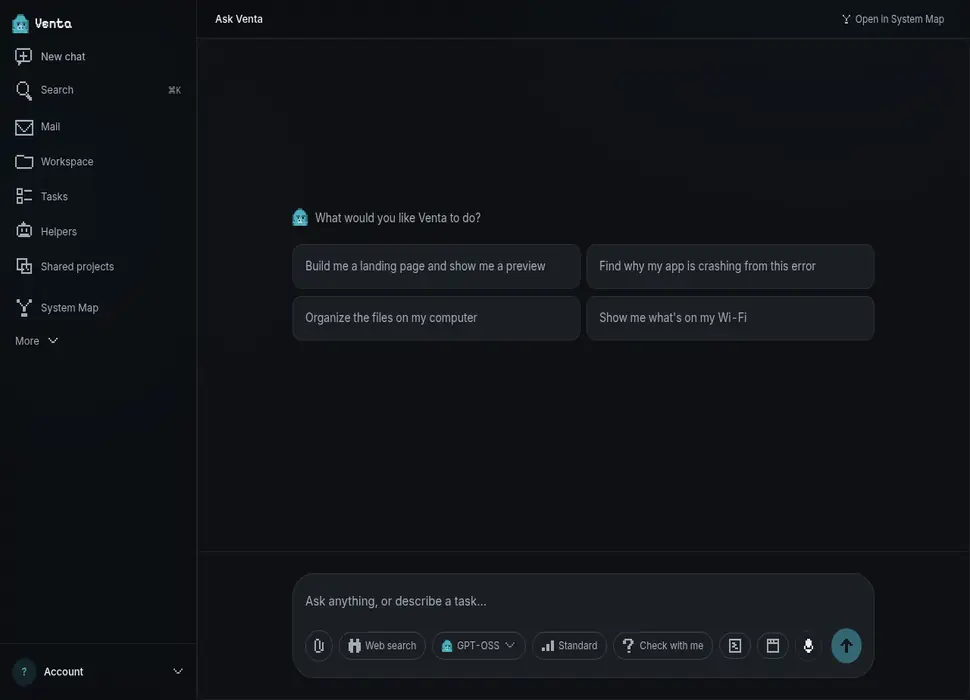
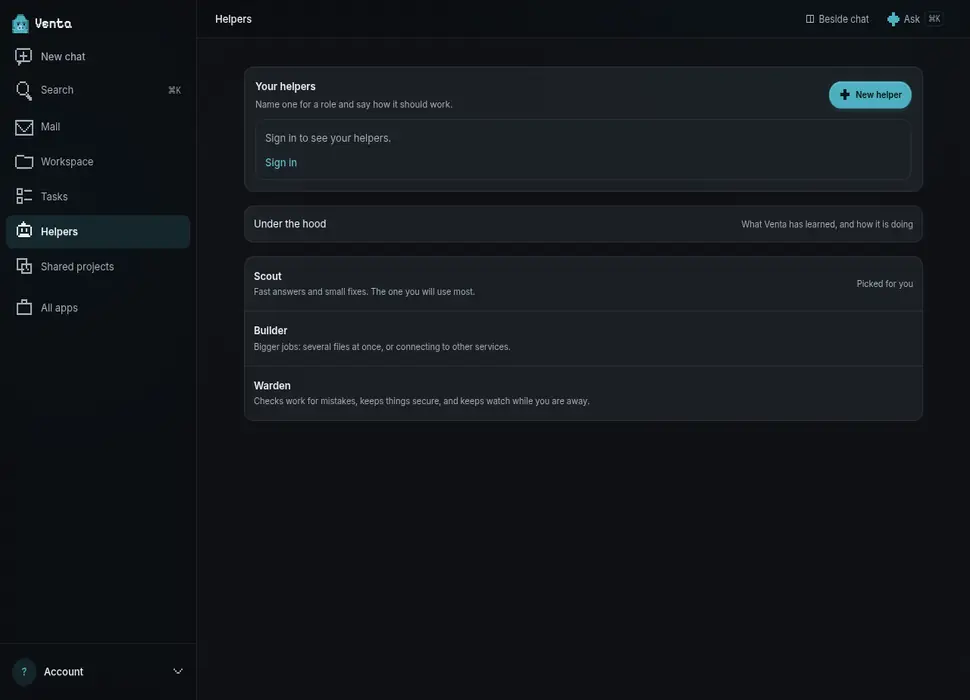
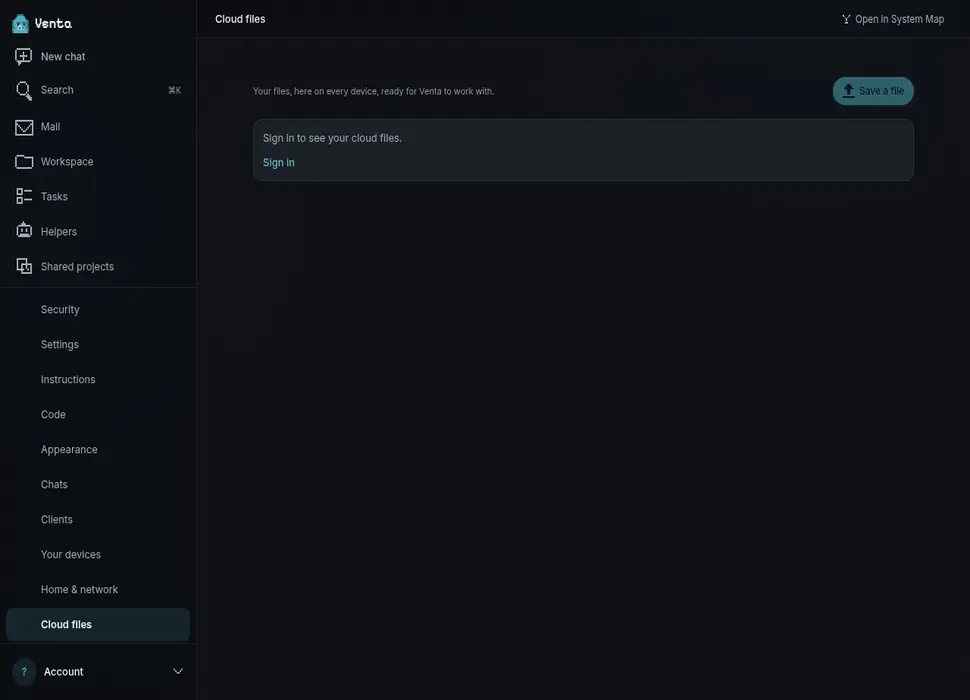
An AI assistant for computer tasks.
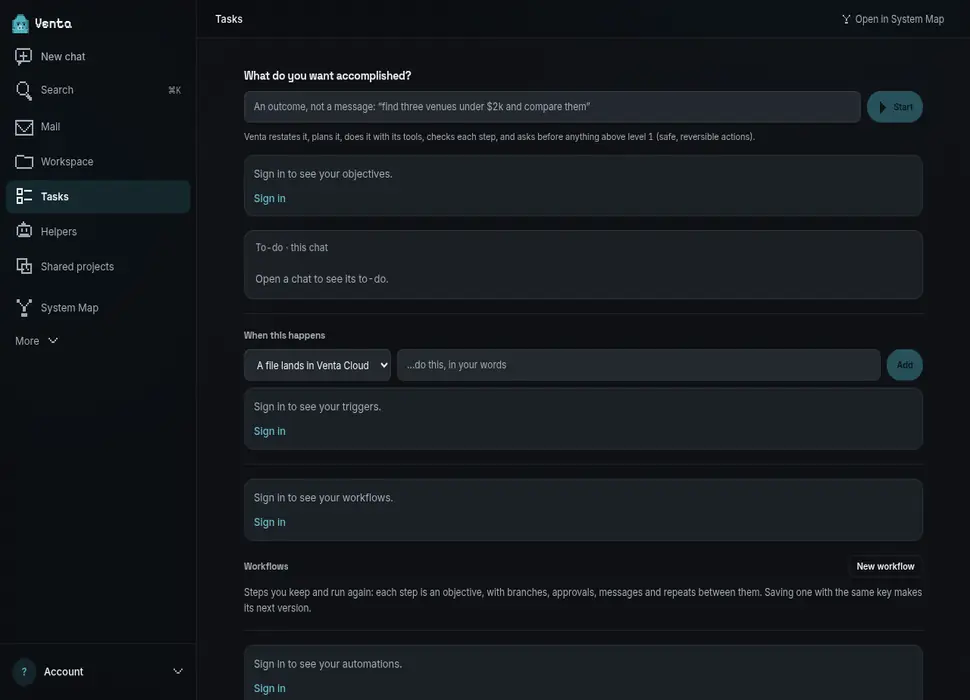
Tell Venta what you want done on your computer, in plain words. It reads the files you point it at, runs the commands you approve, and keeps going after you close the tab.
What's the best AI assistant for automating tasks on my computer?
Look for an assistant that can act where the task lives, asks before anything you would regret, and lets you choose the model. A chat app can tell you the steps; for a task that ends on your own computer — a file found, a folder sorted, a command run — you want one that can do them there and show you what it did.
Where Venta fits, and where other tools fit better
Venta fits when your tasks change from day to day, span your files, the web and more than one computer, and you want to approve and see each step. It does not drive your mouse and keyboard, so a task that can only be done by clicking through a program's window is not one for it.
Other kinds of tools fit other needs: a calendar planner such as Motion to fit your tasks and meetings into your day, a workflow tool such as Zapier or Make for a fixed process between web apps, and the automation built into your system — Shortcuts on Apple devices, Power Automate on Windows — for a fixed routine on one device.
How it reaches your computer
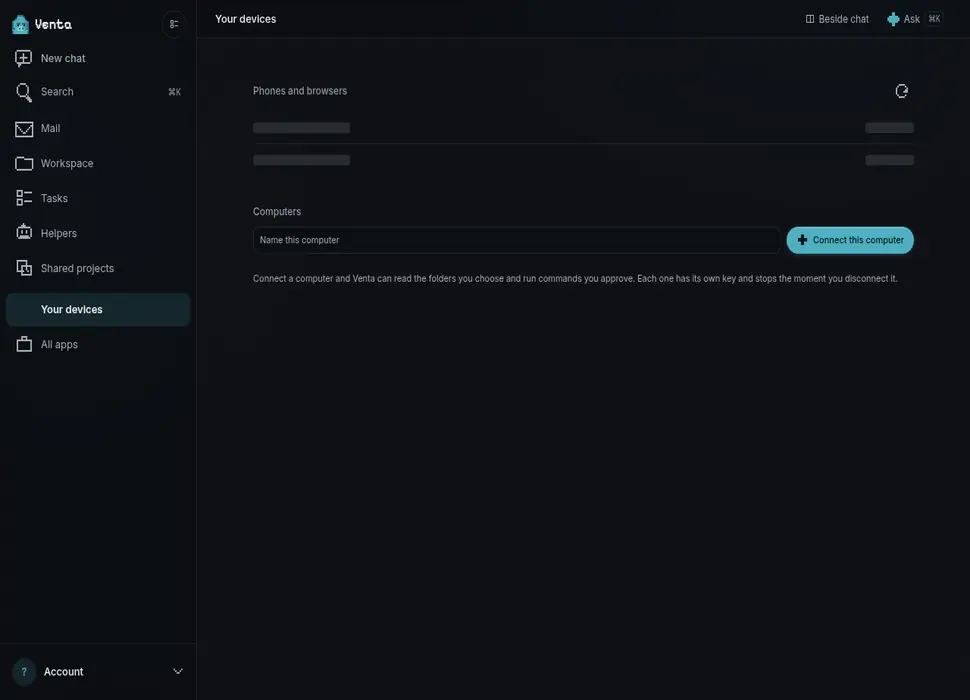
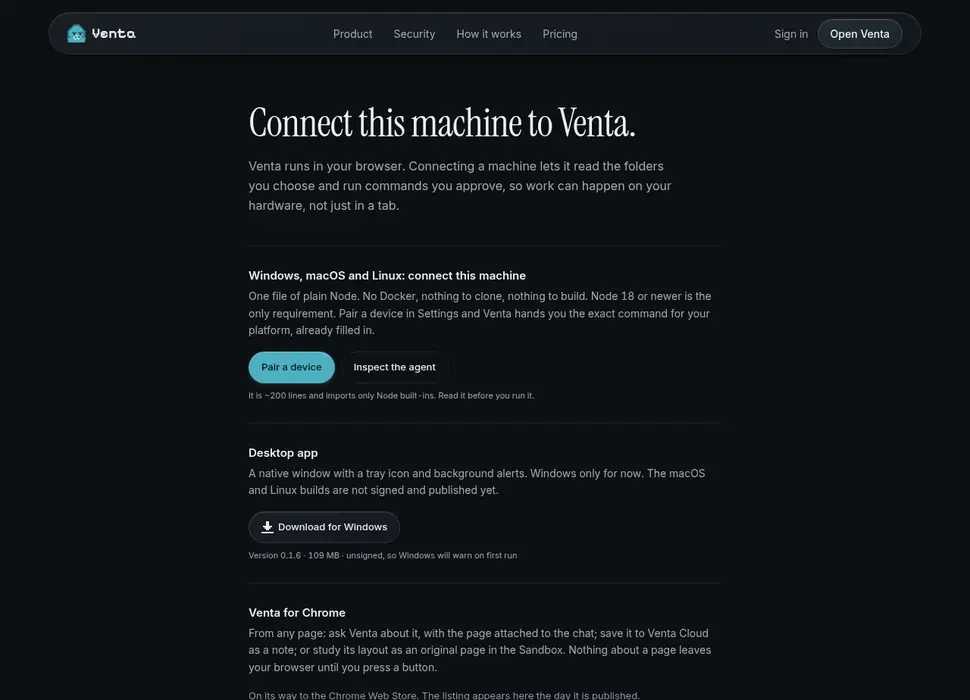
Venta runs in your browser. To work on a computer, you link it once: a desktop app on Windows, or a one-file agent on macOS and Linux. After that Venta can read files there and run commands — only the ones you ask about, and only while the app is running.
Without a linked computer, Venta works in its own sandbox: it still searches, reads what you attach, writes, and builds pages.
What it asks before doing
You set a ceiling for what Venta may do on its own, and lower ceilings for particular tools. Purchases and deletions ask first unless you have allowed that kind of action, and a yes you give lapses on its own. Each command it runs is shown in the conversation as it happens.
What it does not do
- It does not read folders you did not link or ask about.
- It does not drive your mouse and keyboard the way a remote-desktop session does; it runs commands and reads files.
- It does not buy or delete anything without asking, unless you have allowed that kind of action.
- It does not keep working on a computer that is switched off; the task waits.
Which AI answers
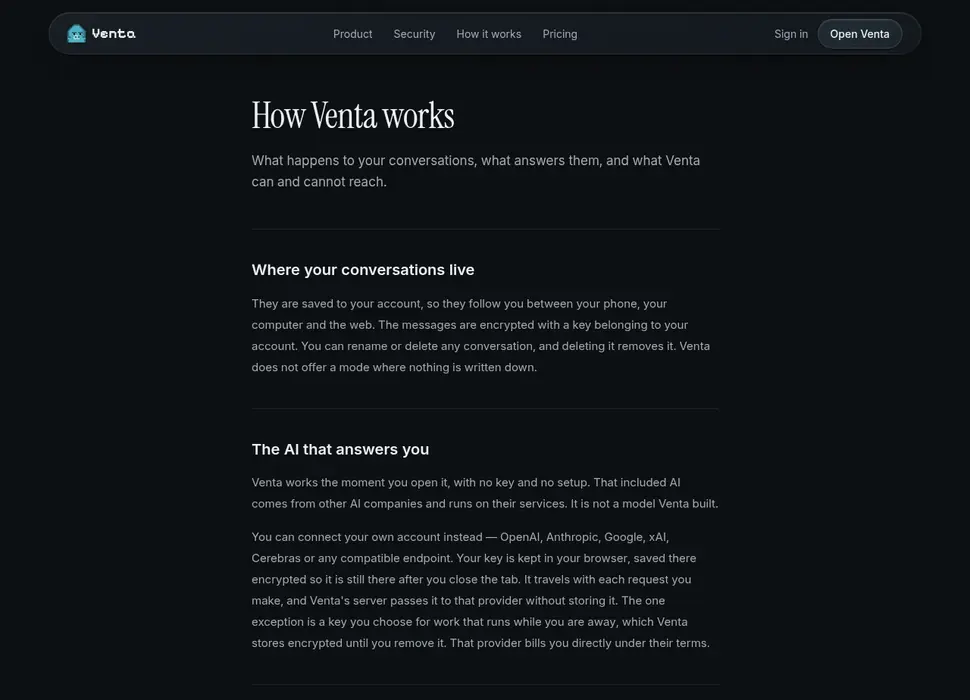
Every paid plan includes an AI model, so Venta works the moment you sign in. If you already pay OpenAI, Anthropic, Google, xAI or Cerebras, you can connect that account instead and Venta routes your work through it.
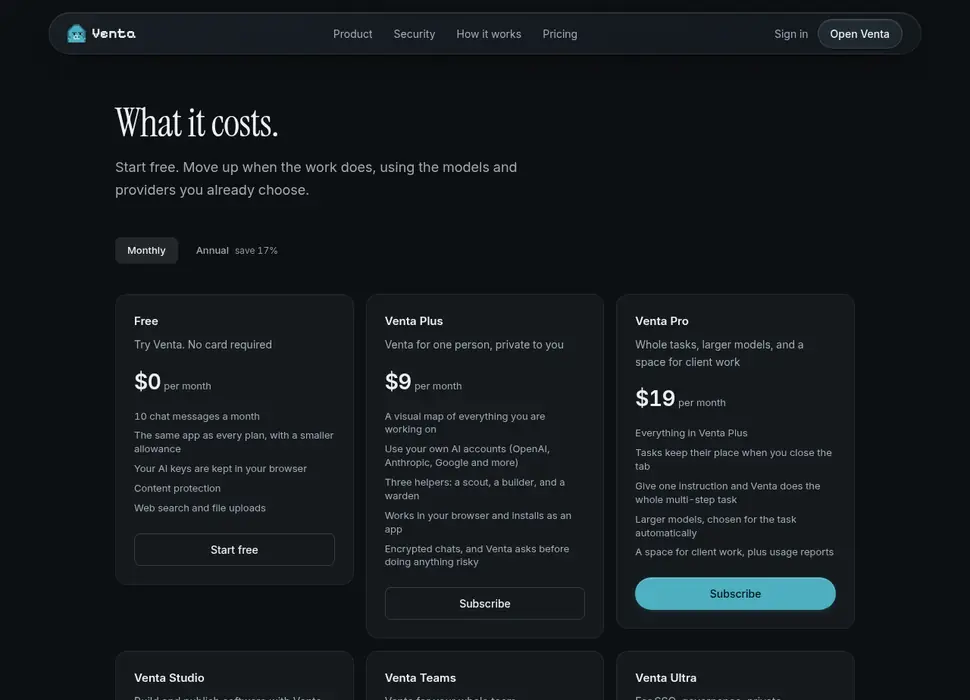
Free to try. Then from $9 a month.
The free plan is 10 messages a month and asks for no card. Every paid plan includes an AI allowance, and connecting your own provider account does not spend it.
Venta Plus
$9/mo
Venta Pro
$19/mo
Venta Studio
$39/mo
Venta Teams
$59/mo
Questions people ask first
Do I need to pay for a separate AI subscription?
No. Every paid plan includes an AI model, so Venta works the moment you sign in. If you already pay OpenAI, Anthropic, Google, xAI or Cerebras, you can connect that account instead and Venta routes your work through it — you pay your provider their price, and Venta adds nothing to it.
Where does my API key go?
It stays in the browser you entered it in: in the open tab's session storage, and as ciphertext in local storage that only an encryption key in your browser's own database can unwrap, one that cannot be exported, so it is still there after you close the tab. It travels with each request that needs it, and Venta's server passes it to your provider without writing it to Venta's database. The only key Venta stores is one you choose for background work, encrypted, until you remove it.
Are my conversations used to train models?
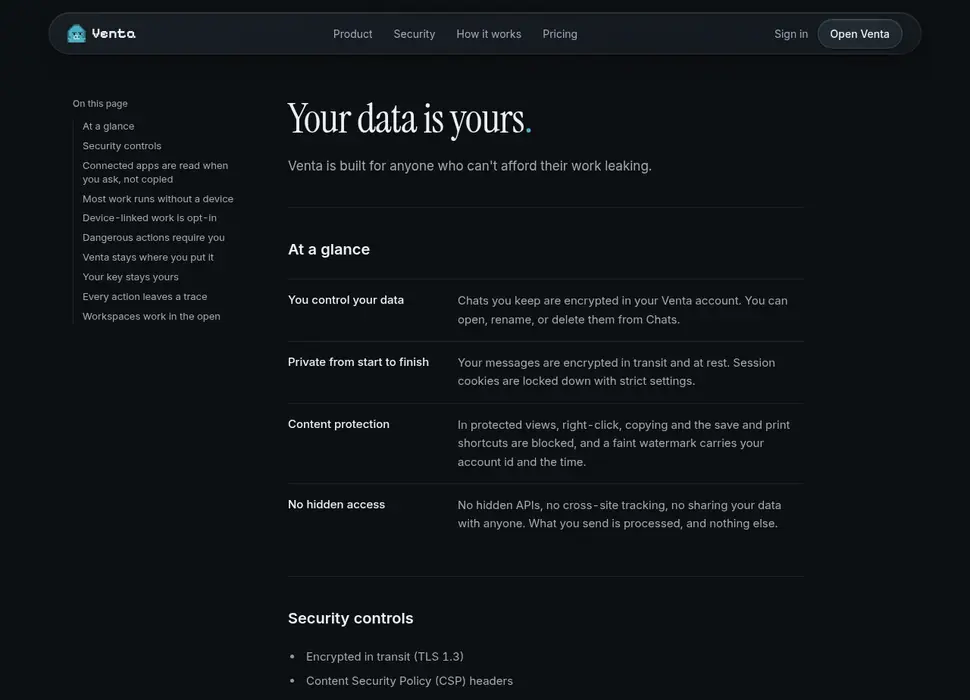
Not unless you turn it on. Settings has a switch called “Help train Venta’s own models”, and it is off until you use it; with it off, nothing you type is used for training. Turned on, the requests you type may be copied into a reviewed dataset after personal details are stripped, and used to train Venta’s own small models — never the replies your provider wrote. Venta does not sell your conversations either way. When you connect your own provider account, your messages are subject to that provider's terms rather than Venta's, which is one reason connecting your own account is offered at all.
Can Venta use the files and programs on my computer?
Yes, once you link that computer. A small desktop app connects it to your account, and after that Venta can run commands and read files there — only the ones you ask about, and only while the app is running. Without a linked computer, Venta works in its own sandbox instead.
Does work continue when I close the tab?
A task keeps its place when you close the tab. Venta's worker picks it up on its next run — today that can be up to a day — and the task list is where you left it when you come back. A task that needs your own computer waits for that computer to be online.
What does it cost?
Free to try with 10 messages a month and no card. Venta Plus is $9 a month, Venta Pro is $19, Venta Studio is $39 and Venta Teams is $59. Every paid plan includes an AI allowance; bringing your own provider account does not use it.
Does it work on a phone?
Yes. Venta runs in the browser on iPhone and Android, and installs to the home screen as an app. There is a desktop app for Windows. On macOS and Linux, a one-file agent links the computer instead.
What happens to my work if I cancel?
Your account drops to the free plan at the end of the period you have paid for. Your conversations, files and projects stay; what changes is the monthly allowance and access to the paid features. Nothing is deleted because you stopped paying.
Free to start. No card, and nothing to install.